Work
with Claude.
Walk in with a chatbot. Walk out with a second brain.
Reserve my spot →Every conversation starts from zero.
You've used ChatGPT. Maybe Copilot at work. You've gotten decent results — a passable email draft, a summary that saves ten minutes, a nice brainstorm sesson. That's fine.
But every conversation starts from zero. You re-explain your role, your clients, your preferences, your context — every single time. There's no structure around your recurring tasks.
A second brain is different. It knows your context. It remembers your standards. It runs your recurring workflows without being re-taught. And when you ask it to evaluate a decision, it challenges your thinking instead of agreeing with whatever you say.
The gap between a chatbot and a second brain isn't knowledge. It's the right setup. And it takes about four hours to build.
Building > learning.
This isn't another keynote, webinar, or networking event you'll walk away from with inspiration but nothing in your hands. You'll bring your laptop and leave with a working setup you'll use on Monday.
Reserve my spot →A working Project configured for your role.
Projects give Claude persistent memory of your context — your investment criteria, your client briefs, your writing standards, your recurring documents. You stop re-explaining yourself every session. This alone changes the tool from a chatbot into a reliable assistant.
Custom Skills for tasks you repeat every week.
A Skill is a reusable instruction set. Summarize documents in your voice. Draft client updates in your format. Extract key terms from contracts the way you need them. You build these during the workshop using your own material, and they work immediately.
Make Claude yours.
You configure Claude's behavior to match how you actually work — your role, your expertise level, how direct you want it to be. Then you go further: set instructions that force it to challenge your assumptions, surface blind spots, and give you the second opinion you're actually looking for. This turns Claude to a thinking partner that knows when to follow your lead and when to push back.
Plug Claude to your everyday tools.
Claude on its own is powerful. Claude connected to your Google Drive, Notion, Sheets, and calendar takes it to the next level. We'll set up the integrations so Claude can pull your real data, and work inside the tools you're already using.
One tool, done right.
The people getting real leverage from AI aren't tool-hopping — they've picked one AI platform and gone deep.
Claude is the most capable tool available today for multi-task work that fills your actual week: research, document work, writing, analysis, decision-making and creative work.
Claude isn't a replacement for Copilot or ChatGPT. It's a complementary layer above them, for work that requires more context and consistent results.
Best connectivity inside the Microsoft ecosystem — Word, Excel, Outlook, Teams.
Best for image generation, coding, content creation. Solid everyday assistant.
Best for complex reasoning, heavy document-work, coding, structured thinking, persistent context, and connectivity to other software platforms.
Who this is — and isn't — for.
You're the right fit if
- You already use ChatGPT or Copilot, but you know you're just scratching the surface.
- You'd rather commit to one tool properly than dabble in five.
- Your work involves writing, research, documents, analysis, or decisions that benefit from a second brain.
- You've noticed AI flatters you more than it helps you.
Skip this if
- You've never touched an AI tool. You'll need basic experience in interacting with a chatbot.
- You're a developer building production AI systems. You're past this level.
- You want a keynote about the future of AI. This is hands-on work.
- You can't bring real tasks from your daily work. (The workshop depends on it).
The host.
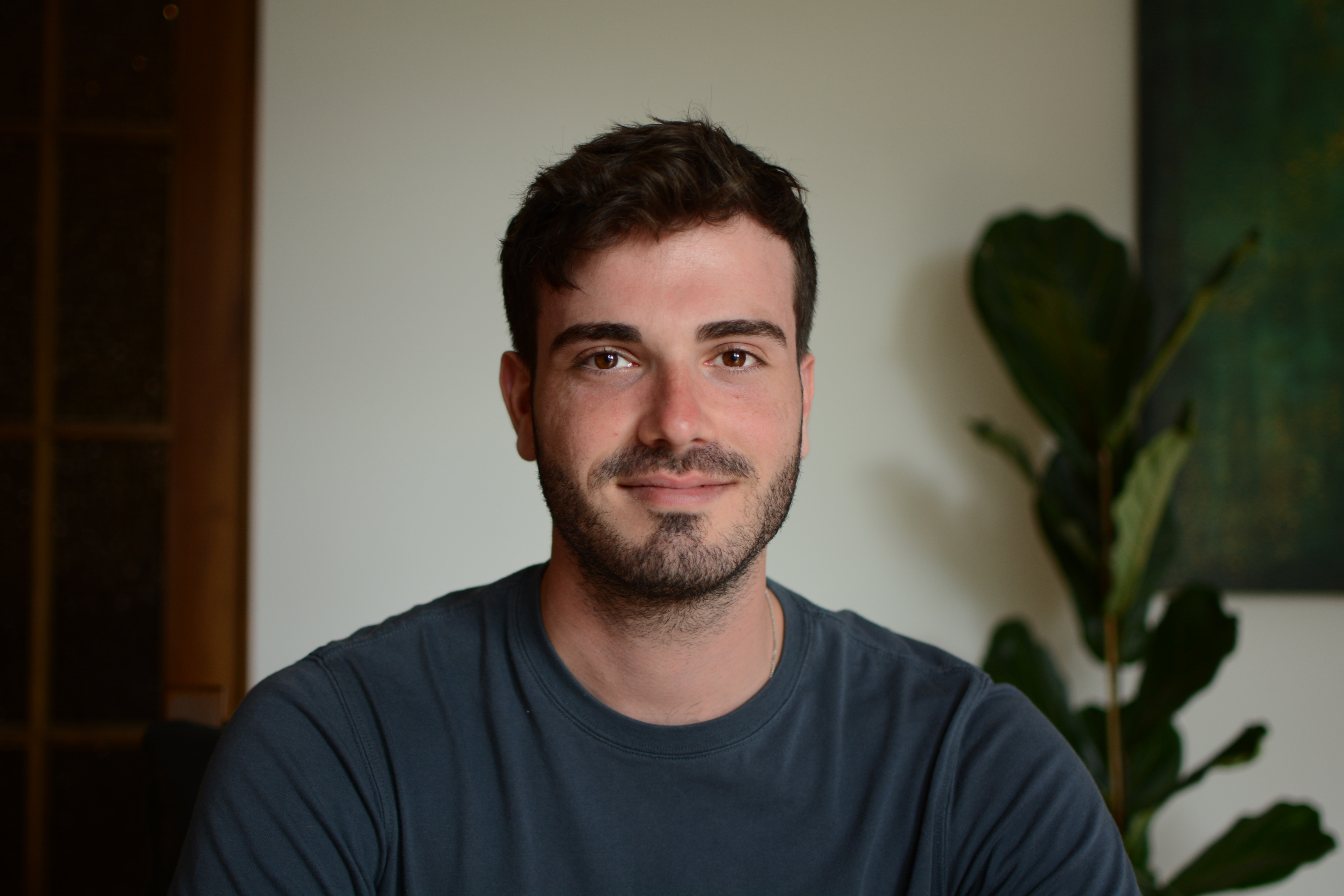
Yanay Prop
Eight years in growth, marketing, and business development at the intersection of tech and finance — from building client-acquisition engines for Israel's top financial-planning firms to helping startup founders go to market in crypto and fintech.
Now a private AI advisor based in Zürich, working one-on-one with leaders in finance, family offices, pharma, and law to integrate AI into their daily workflows.
Build your second brain in one morning.
Click the button below to secure your spot today. You'll receive a confirmation and venue details by email.